nfc
What actually happens when someone taps your NFC card

The most common question we get about NFC business cards is also the most reasonable one: what is actually happening? It looks like magic, which usually means someone is about to be sold something. It is not magic. It is a very small, very old piece of technology doing one job well.
Here is the whole thing, start to finish.
The chip has no battery
Inside your Tapvyo card is a thin coil of wire and a chip smaller than a grain of rice. Neither is powered. The card has no battery, never needs charging, and will still work in ten years sitting in a drawer.
When a phone comes within a few centimetres, the phone's own NFC antenna emits a radio field. That field induces a current in the card's coil — the same principle as a wireless charger, at a much smaller scale — and that borrowed current is enough to wake the chip for the fraction of a second it needs.
This is why the tap has to be close. NFC works at roughly four centimetres. It is not Bluetooth, it is not tracking you across a room, and a card in your pocket cannot be read by someone walking past.
What the chip actually stores
Very little. The chip holds a short record in a format called NDEF, and for a business card that record is one thing: a web address.
That is genuinely all of it. Your name, your role, your phone number, your links, your photo — none of that lives on the card. The card holds a URL pointing at your Tapvyo profile, and your profile lives on the web where it can be edited.
Why that matters more than it sounds
Because the card stores a link rather than your details, changing your details never means reprinting anything. Change your job title on a Tuesday and every card you have ever handed out is correct on Tuesday afternoon. A printed card cannot do this, and neither can an NFC card that writes contact details directly to the chip.
The tap itself
- Phone's NFC reader is listening — on modern phones this is always on in the background.
- Card enters the field and powers up.
- Chip transmits its NDEF record: the URL.
- Phone shows a notification with that address.
- Person taps the notification, and the browser opens your profile.
No app installed on either side. No pairing. No account. Nothing typed. The person you just met does not need to have heard of Tapvyo.
iPhone and Android behave slightly differently
- iPhone (XS and later, iOS 14+) — background NFC reading is always on. Tap the card to the top of the phone, near the camera, with the screen unlocked. A banner slides down from the top.
- Older iPhones (7 to X) — need NFC opened from Control Centre first, then the tap works.
- Android — the reader is in the middle of the back on most handsets. NFC must be enabled in settings, which it usually is by default.
If a tap does not register, the answer is almost always position rather than fault: move the card slowly across the back of the phone until it catches. Our how it works guide has the positions laid out per device.
What happens on the other side
Your profile opens as an ordinary web page. From there the person can save you to their contacts in one tap, call, message, or open whichever links you have chosen to show. They can also leave their own details, which is the part a paper card has never been able to do — you find out who took your card, instead of hoping.
The security question
Worth answering directly, because it comes up every time.
Can someone copy my card, or read it from a distance, or push something to my phone?
The chip is read-only in normal use and holds nothing but a public web address — the same address you would happily print on a paper card. There is no personal data on the chip to steal. Reading requires physical proximity of a few centimetres. And a tap cannot install anything: it hands the phone a link, and the person decides whether to open it.
The honest risk with any NFC card is the same as with a QR code on a poster: you should only tap cards you were handed by someone you are talking to. That is it.
So why not just use a QR code?
You can, and every Tapvyo profile has one for exactly that reason — it is the fallback when a phone has no NFC, or the battery is nearly flat, or you are sharing on a video call.
The difference is the moment. A QR code needs the other person to open a camera, aim, and focus, which turns a handshake into a small piece of admin. A tap takes about a second, and it happens while you are still talking.
The short version
A coil, a chip, a URL, and a phone that already knows how to read all three. Everything interesting happens on the profile the link points at — which is the part you can change whenever you like.
If you want to see it working, build your profile and try it on your own phone first. It takes a few minutes and you will understand the whole thing better after one tap than after another thousand words from us.
Related reading
nfc
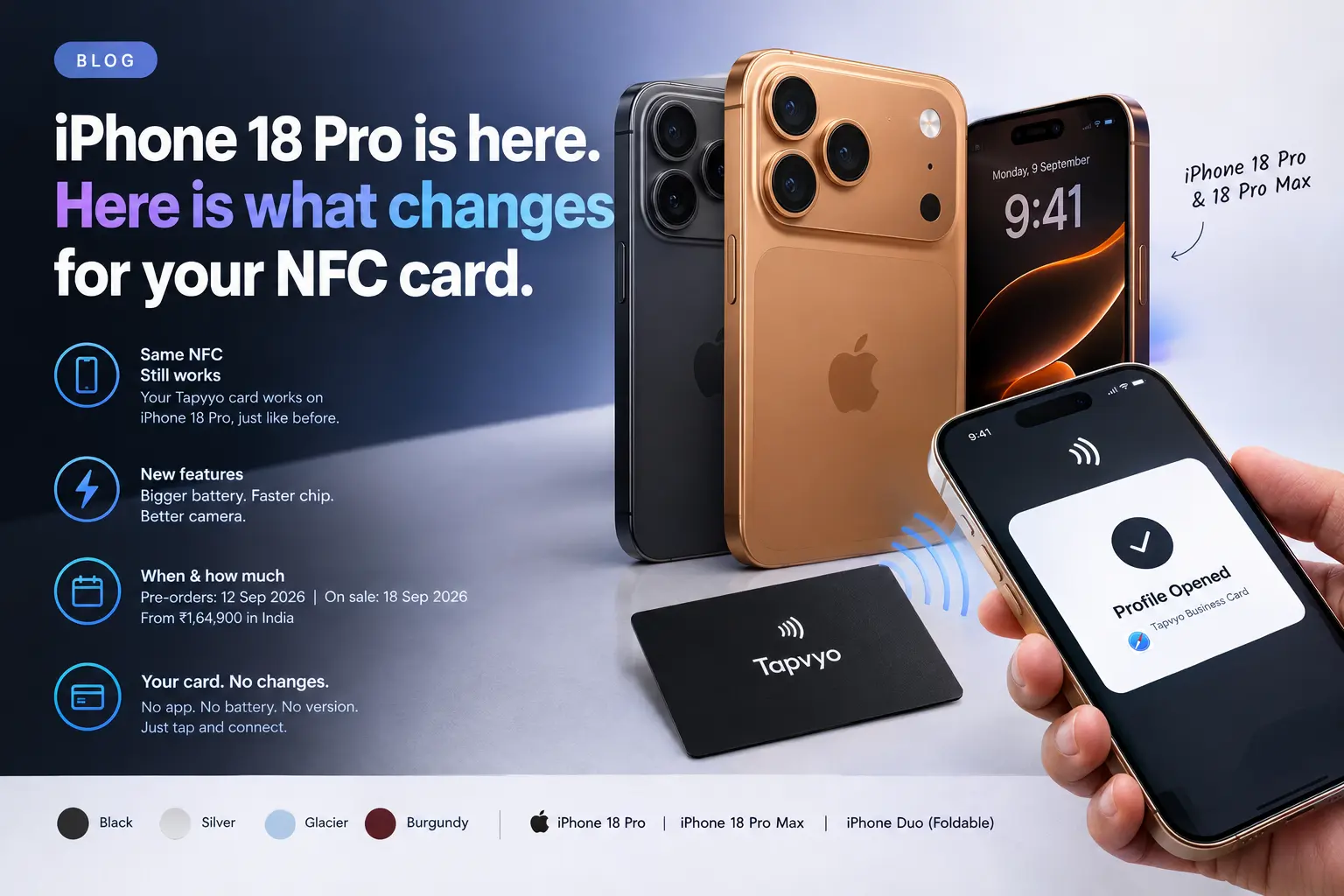
iPhone 18 Pro is here. Here is what changes for your NFC card.
Apple ran its "Surprise and shine" event on 9 September — the first one led by John Ternus rather than Tim Cook — and put two new phones on stage: the iPhone 18 Pro and the iPhone 18 Pro Max. Alongside them, the first foldable iPhone, the iPhone Duo. We sell NFC business cards, so people have already started asking us
nfc
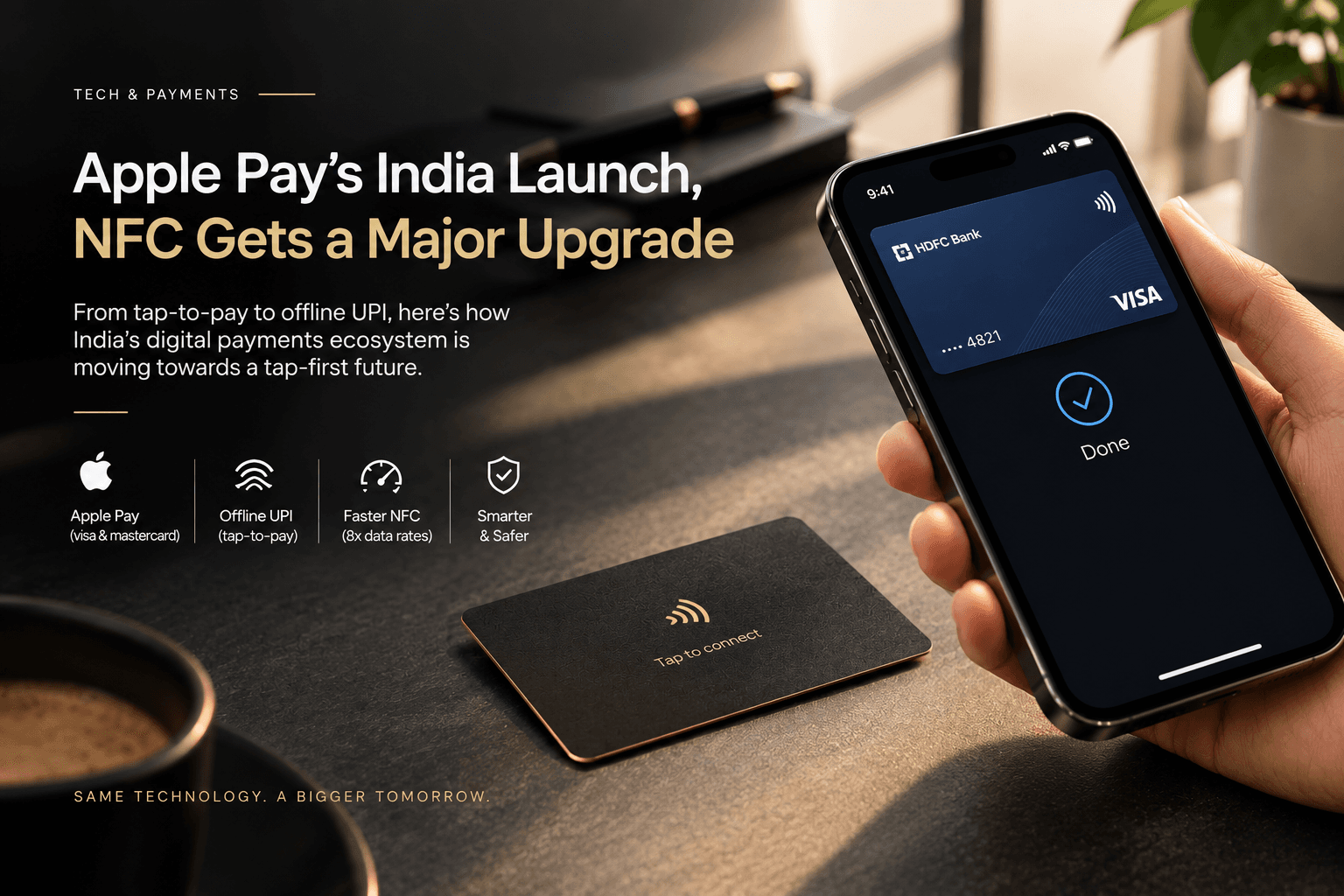
Apple Pay is coming to India. What that means for your NFC card.
Three separate things happened to NFC this year, and taken together they change how ordinary people in India will feel about tapping a phone against something. None of them are about business cards. That is exactly why they matter.
business-cards
Paper business cards vs NFC: what actually changes
Not a sales pitch. An honest look at what an NFC card fixes about paper, what it does not, and the situations where a printed card is still the better tool.